Photo Ornament Tutorial
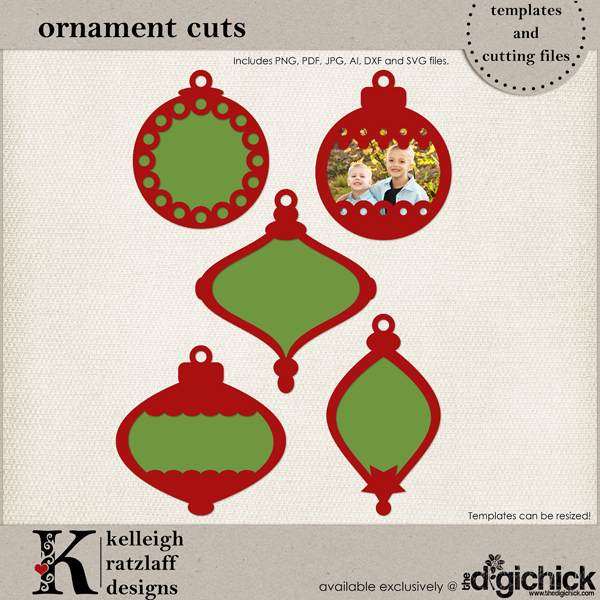 Every year, we like to add a photo ornament to our Christmas tree with a picture of our entire family on it as a record of our lives. Sometimes I buy a photo frame ornament, and sometimes I make the ornament myself. It has been a fun tradition, and one that I plan to continue.
Today I want to show you how I put together the photo ornament that I showed you the other day on my new release post.
The first thing I did was grab a great photo and decide on an ornament shape that would fit the photo. Thankfully, I have Photoshop, so I was able to drag my photo over the different shapes and resize the photo to see how it would look. However, if you already have a photo printed out, you can eyeball it!
Next, cut out your ornament shapes. I used my Cricut and SCAL software to cut two of the top pieces and two of the bottom pieces. Don’t be intimidated by these shapes, though! You can totally cut them out with your craft knife or micro-tip scissors! Only one of the other gals whose projects I posted the other day has a digital cutter. The rest cut their ornaments by hand. To do that, you can either use the psd files to clip digital paper to the shapes and then cut, OR simply print the lines-only pdf version, with your regular printer, on to the traditional paper of your choice and then cut. There is a great tutorial on using digital templates in Photoshop at The Hybrid Chick, but you can do this with JUST your printer and the pdf, so don’t be intimidated just because I mentioned Photoshop!!
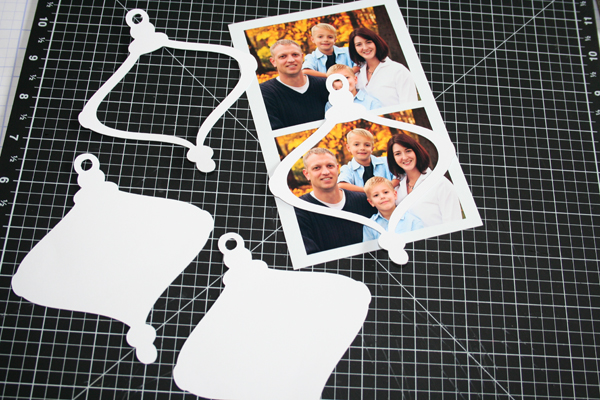
After I had my ornament shapes cut, I needed to cut out my photo to fit. First, I traced around the outside edge with a pen.

It’s not terribly neat. I didn’t worry too much about that.
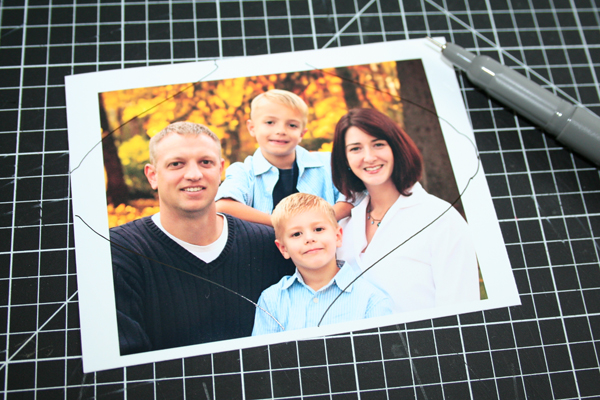
Then, I used my craft knife to cut out the photo. Again, kinda messy, but I don’t care!
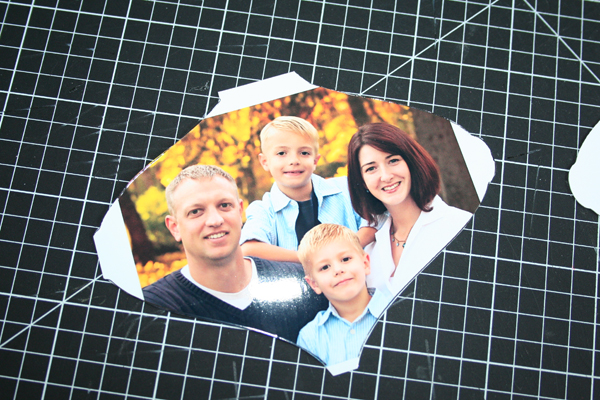
I glued the two back pieces together (just to make the ornament sturdy - you could use chipboard instead) and glued my photo piece onto those. Then, I layered one of the top pieces over my photo (to add a little more dimension). Notice what a mess the edge is.
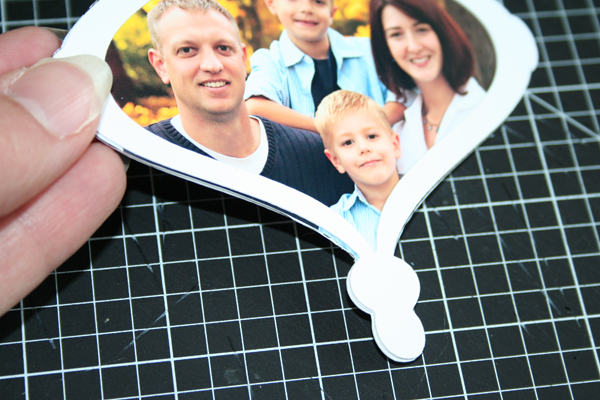
To clean up the edge, I used my craft knife and a sanding file. Easy peasy!
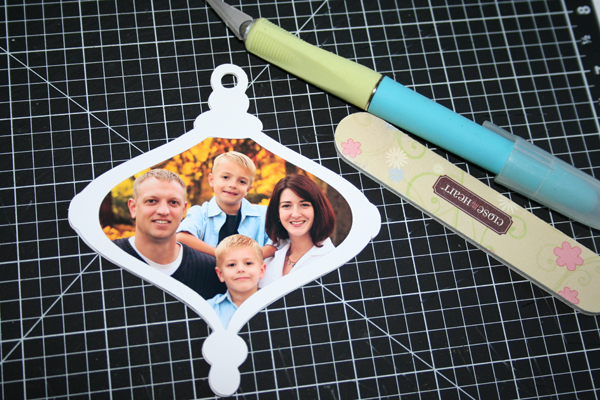
For the finishing touch, I used my liquid glue pen to add some glue to the second top piece, then I dumped some super fine glitter over it and let it dry. This worked great, however NEXT time, I might try a thicker glue (like Elmers) and some regular elementary school glitter for even more texture and bling. OR, perhaps embossing powder!!
After the top piece was dry, I glued it on to the ornament, attached a ribbon and smiled!
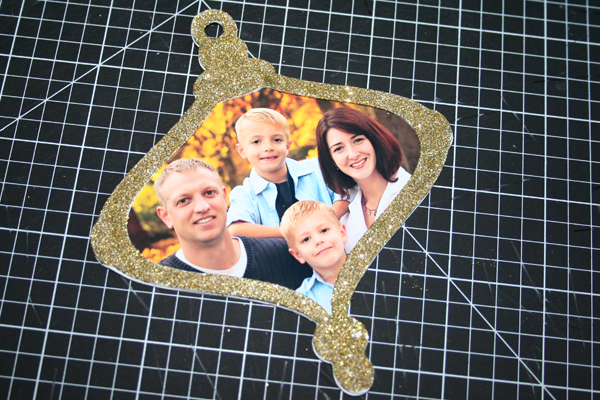
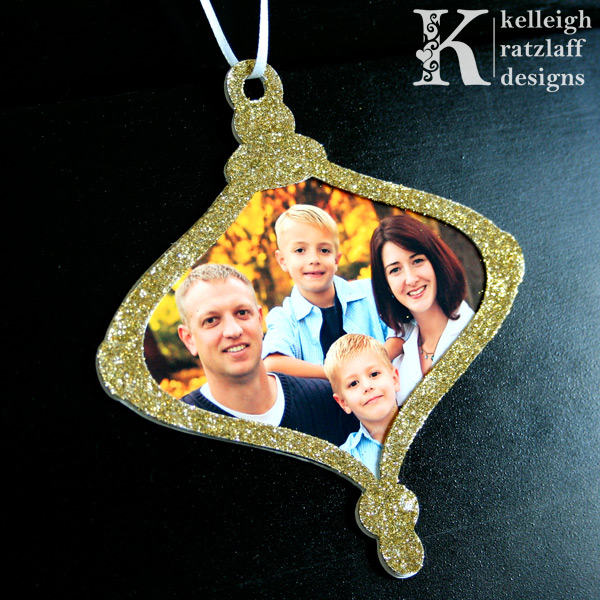
I love my new photo ornament and I can’t wait to add it to our Christmas tree this year!!
Maybe this is the year for YOU to start a photo ornament tradition!!
Pin It
 Disclosure: This post may contain affiliate links. When you use them, you help support this site! Thank you!


 (No Ratings Yet)
 Loading ...
I love it! I’ve been photo ornementing my two girls each year for the last 8 o 9 years. Great minds think alike
[Reply]
I love it! I’ve been photo ornamenting my girls for the last 8 or 9 years. I love pulling them out each year to see how they’ve changed. Great tutorial Kel, I love all that bling-y glitter!
[Reply]
Such a great idea! It will seem like an even MORE sensational idea as the years go by and we can look back at these wonderful ornaments and what we looked like “back then”! I will write in the year on the back of each ornament. Thank you so much for sharing!
[Reply]
[...] Create a unique photo ornament! [...]
[...] This is better. (And, I cropped it, so don’t judge her cropping abilities! She’s probably cringing right now, but I just HAD to crop these for my ornament project!!) [...]
Leave your response!
Want to keep up with my latest news and new releases? Subscribe to my Newsletter today!
Check out My Latest Creations!:
Apple Basket by Kelleigh Ratzlaff Designs: This adorable apple basket is the perfect teacher appreciation gift holder! $4.99
Cupcake Shaped Box: Refrosted by Kelleigh Ratzlaff Designs: This adorable cupcake shaped box will make a statement at your next celebration! $4.99
Cash Envelopes on Etsy!
My Sponsors:
Archives
Categories
Categories
Recent Comments
Most Commented
Most Viewed